West Virginia School of Osteopathic Medicine
Duo Mobile App Reauthentication
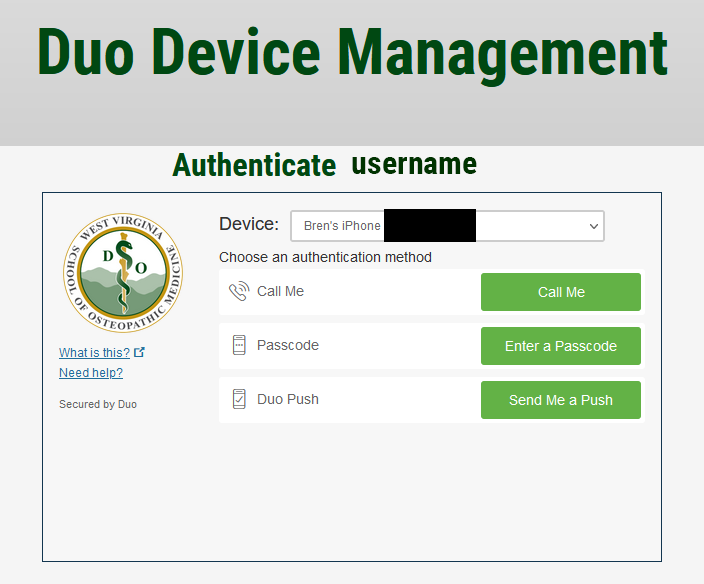
- Go to MYWVSOM Duo Device Management and sign in with your username (first part of your email before the @ symbol) and password.
- Authenticate with DUO. If you are trying to authenticate the app on a new cell phone, choose "Call Me" to get through this prompt.
Image
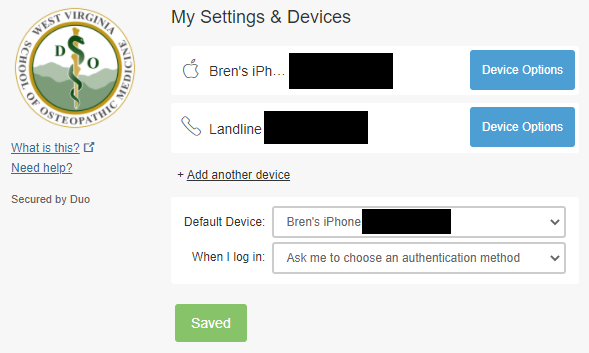
- To reauthenticate the app on a new cell phone, click Device Options then click Reactivate Duo Mobile.
Image
 Image
Image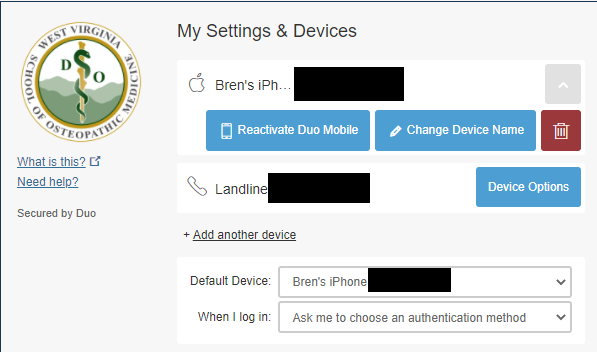
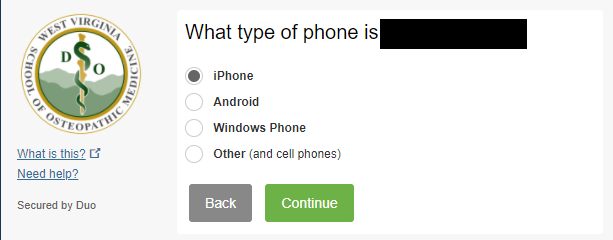
- Answer the question about the phone's operating system.
Image
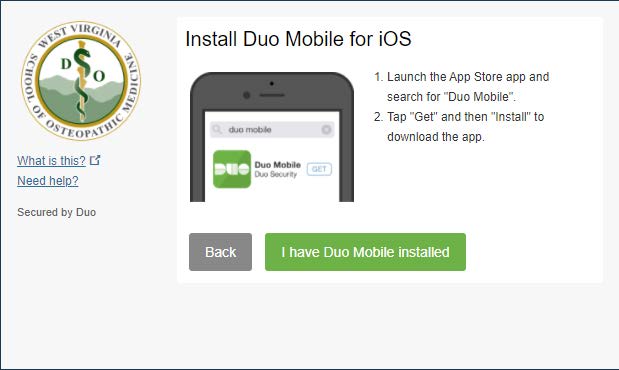
- Make sure you have installed the DUO Mobile app on your device then click "I have Duo Mobile installed".
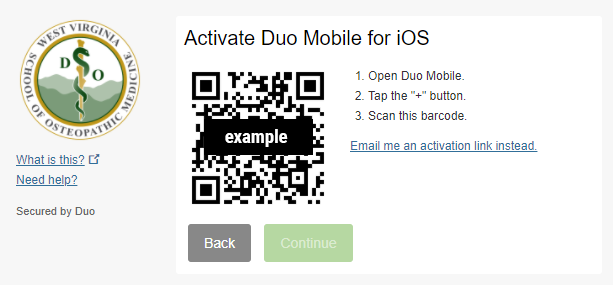
- Follow the steps to scan the QR Code. Once completed, the DUO Mobile App will be reauthenticated on your new device.
Image